Birthday Meme Captions: The Roast Edition and the Polite Edition
Birthday's coming up, and you always want to pair your WeChat Moments post with a meme. The same wish can sound totally different depending on whether it's for a close friend or an elder. Below, we break it down into "how to pick the caption" and "how to make the image" — just follow along and you'll have a meme ready.
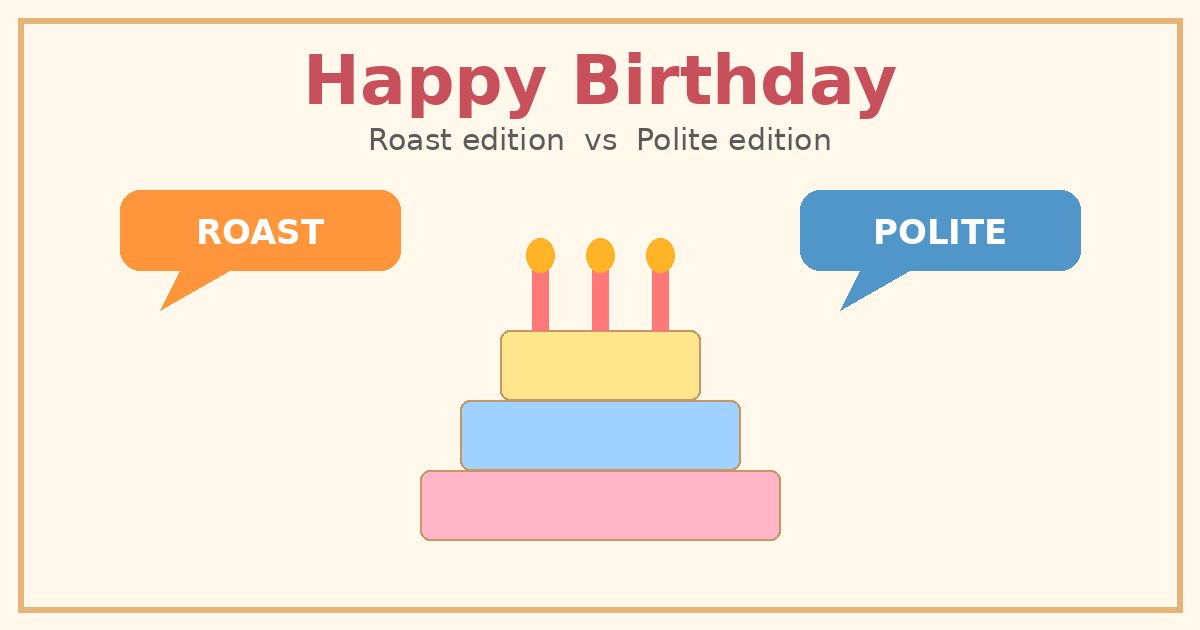
1. The Roast Edition: Tease, Don't Expose
The core of the roast edition isn't "mean" — it's "close." You need a real bond for the jokes to land.
Roast Boundaries: Tease, Don't Expose
- OK to tease: staying up late, always double-sugarming bubble tea, always carrying teammates in games, always blinking in photos, swearing they'll lose weight every year and then eating anyway.
- Don't touch: family drama, relationship failures, work mistakes, appearance anxiety, body privacy, income or education.
Example:
- Top line: Getting another year older
- Bottom line: But your IQ seems to have stayed put
This is just an example, not a real roast — don't copy it directly onto someone.
Tone Selection:
- Best friends your age: can be a bit savage, using memes like "bad at everything but love playing it anyway" or "mature and steady (no I'm not)."
- Casual friends: keep it light, like "Happy birthday, don't go too crazy."
- Elders/bosses: don't use the roast edition — see the next section.
2. The Polite Edition: The Safe Formula
No need to take risks with the polite edition — just follow the formula.
The Safe Formula:
Salutation + Blessing + Choose one of health/career/life + Sign-off
Example (example only):
- Top line: Happy birthday, XX
- Bottom line: Peace, smooth sailing, and everything better than you hoped
Pick Tone by Age:
- Peers: casual but not cringe — avoid overusing memes.
- Elders: start with honorifics, focus blessings on health, peace, and contentment.
- Bosses/clients: keep it concise, drop emoji-style filler words, and clearly state your identity in the sign-off.
3. Picking the Image: "Success Baby" vs. Red Envelope
The image sets the overall vibe — don't let it clash with the caption.
- "Success Baby": fits the roast edition, with built-in "rising from the ashes" / "conquering life" irony, matching roasting captions perfectly.
- Red envelope / "Fu" character / cake: fits the polite edition, festive and steady, safe for elders and bosses alike.
Principle: Keep the main subject clear, leave whitespace for text, and don't use too many colors — otherwise the two lines of text will look muddy.
4. Step-by-Step: Make Your Meme on meme.rapporteur.online
Everything happens in the editor — just follow these steps:
- Open meme.rapporteur.online and enter the editor.
- Pick a template: for the roast edition, choose meme-style templates; for the polite edition, choose red / "Fu" / cake-style templates.
- Upload images: upload your "Success Baby" or red envelope assets to replace the background (or just pick from the platform's built-in images).
- Add text: click "Add Text," type your top and bottom lines, placing each on its own line.
- Apply styling: choose the "Classic Outline" style — white text with a black border, so it's legible on any background.
- Adjust layout: use a larger font size, pick Heiti or Microsoft YaHei, and center-align both lines.
- Resize and drag: click and drag a corner to resize, then move the text box into the whitespace — don't cover anyone's face.
- Preview: zoom in to check for cropping and make sure the outline is complete.
- Download: click "Download PNG," save it locally, then post to WeChat Moments.
5. Pitfall Checklist
- Don't use obscure characters, traditional Chinese, or "Martian script" — elders won't understand.
- Don't use plain white text on a light background — widen the outline.
- Don't cram the caption across the whole image — whitespace looks more polished.
- If you're unsure about holiday-specific details, use universally safe phrases like "peace and joy" or "everything goes smoothly" — don't pin down specific customs.
Once you've nailed the caption and picked the right image, just head over to meme.rapporteur.online and give it a try — a birthday meme in half an hour is totally doable.
Make one now
Choose a template or upload your own image, add top and bottom text, and export a PNG.
Open the meme maker →