GIF vs Static Memes: When Animation Actually Helps
When sharing memes, many of us have run into this awkward situation: you drop what you think is a brilliant GIF, but the group chat moves too fast. Before it finishes buffering or reaches the key action, the conversation has already moved on. Other times, the text in a GIF is too small and the camera shakes violently, leaving everyone squinting through two loops without catching the joke.
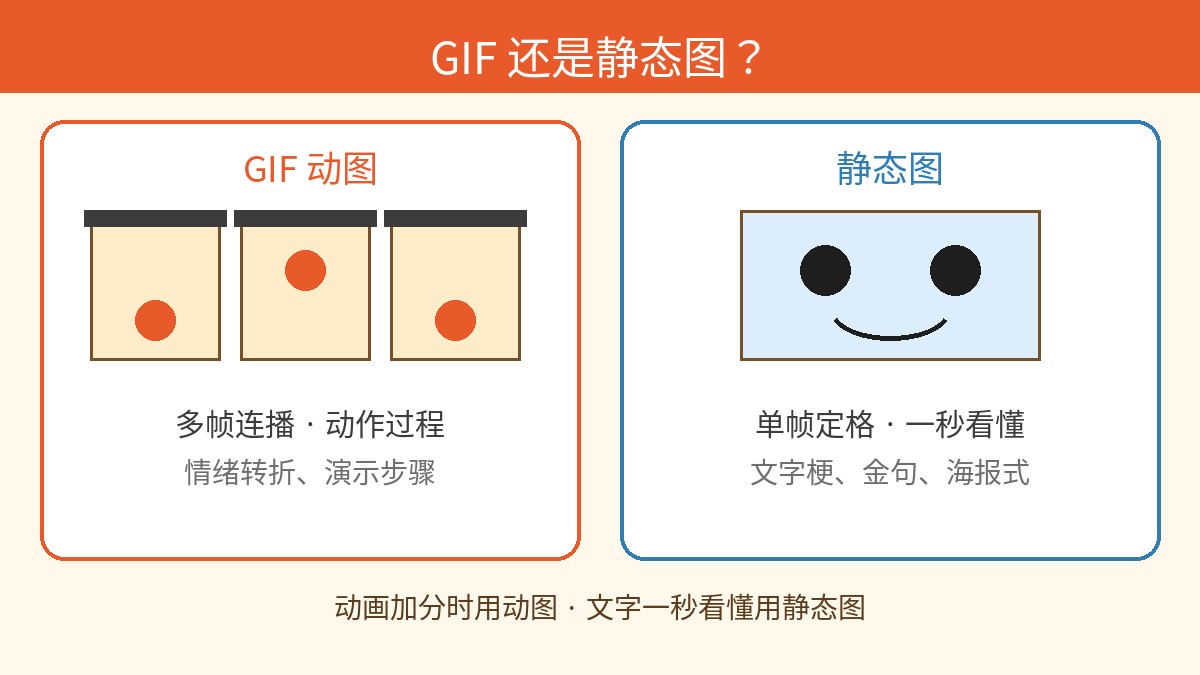
Should you choose an animated GIF or a static image for your meme? It’s not just a matter of file size—it’s about the pacing and efficiency of emotional delivery.
The Case for GIFs: When Animation Actually Adds Value
The core value of an animated meme lies in its timeline and motion progression. GIFs shine best—and are often irreplaceable—in the following scenarios:
- Capturing a continuous emotional shift: For instance, a facial expression shifting from calm to confused to an outright meltdown, or a professional smile dropping instantly into a deadpan grimace. This contrast relies on the progression from frame to frame.
- Conveying exaggerated physical reactions: Think slamming a desk in frustration, the classic "tactical lean-back," aggressive head shaking, or infectious dancing. The rhythm and kinetic energy of the motion are often the primary source of humor.
- Punchlines that rely on comedic timing: In movie clips or candid real-life videos, the unexpected twist often hits after a beat or two. Playing it out in motion preserves that dramatic, delayed surprise.
The Case for Static Memes: Text Clarity and Instant Impact
In contrast, the communicative efficiency of static images is often underestimated. In fast-paced messaging, static memes offer distinct advantages:
- Instant readability with zero friction: A static meme delivers its full visual and caption at a single glance. Without waiting for loading spinners or playback loops, it can land the premise and the punchline in under half a second.
- Maximum text clarity and layout control: Static images give you complete control over typography, font size, line breaks, and text outlines. Captions remain razor-sharp and easy to read across any device without suffering from frame-to-frame video compression artifacts.
- Lightweight files and universal compatibility: With minimal file sizes, static images load instantly on any connection and display seamlessly across every messaging app, forum, and social feed without requiring autoplay permissions or extra data.
How to Choose: Three Quick Questions
- Does the joke depend on a process, transition, or change over time? If the humor stems from physical comedy, pacing, or an unfolding sequence, motion carries the joke. If the visual is an established template or a single facial expression, a static freeze-frame works best.
- Will the viewer want to rewatch it? The best animations reward repeated viewing. If the motion loses its novelty after one loop and adds no ongoing comedic value, a static image conveys the message with far greater efficiency.
- Is your audience in a fast-scrolling chat or a slow-scrolling feed? In rapid group chats and message threads, static images show up immediately and keep pace with real-time conversations. In slower visual feeds, a looping animation can serve as an effective scroll-stopper.
As a general rule: choose animated GIFs for motion, timing, and dynamic actions; choose static memes for text-heavy humor, crisp readability, and instant reactions.
Note that our meme editor is designed specifically for creating static images with PNG and JPG exports. If your concept relies on multi-frame animation or video loops, you will need dedicated GIF or video creation tools.
Open the meme maker
Choose a template or upload your own image, add top and bottom text, and export a crisp PNG. Your image is processed in your browser.