How to Keep a Group Chat Alive with the Right Reaction Meme
In group chats, dropping a reaction meme isn't about flexing your massive meme stash, it's about keeping the conversation flowing or easing the mood.
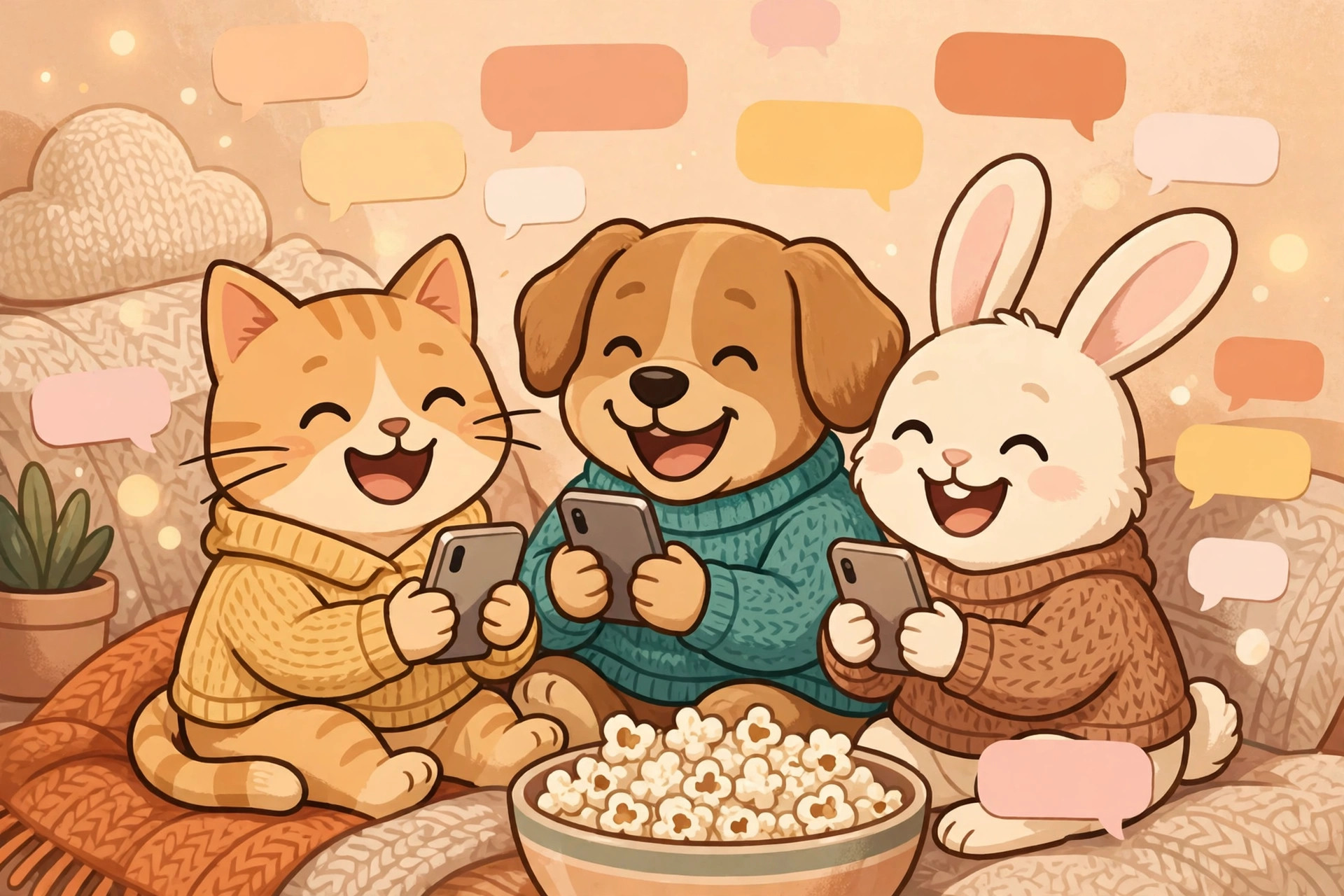
In reality, the key to high-EQ meme banter is a "single, precise hit": timing it right and using one spot-on, well-directed image to carry the conversation forward smoothly.
Timing First: The When Matters More Than the Meme Itself
In fast-moving group chats, response speed often defines how hard a meme lands.
- Strike immediately: When someone shares a hot take or drops some tea, following up with a pinpoint reaction meme within 5 to 15 seconds hits hardest. If the chat has already moved on by three or four messages, digging up a reaction to an earlier topic will only disrupt the conversational flow.
- Practice restraint: Group banter isn't an inventory dump—avoid spamming three or four memes back-to-back. One image conveys one reaction; send it, then leave room for others to respond. If no one immediately picks up the joke, let the moment pass naturally instead of doubling down with follow-ups.
Categorized Scenarios: 3 High-Frequency Reaction Memes to Master
For the most common emotional beats in a group chat, having these three core categories ready will cover almost any everyday interaction:
1. Shock & Disbelief (Expressing the Unexpected)
- Best for: Wild gossip, sudden career/work developments, or mind-boggling outcomes.
- Visual pairing: Candid shots with wide eyes and dropped jaws, or startled pets.
- Caption example: Top text: "Wait, what just happened?" / Bottom text: "Need a minute to process this." Keep the text short and relatively large for maximum visual impact.
2. Deadpan / Speechless (Defusing Bad Jokes & Absurdity)
- Best for: Terrible dad jokes, unreasonable blame-shifting, or cringe-worthy slip-ups.
- Visual pairing: Classic stills with blank stares, slight twitches/grimaces, or crossed arms.
- Caption example: Top text: "Listen to me," / Bottom text: "Thanks for nothing." Sarcasm paired with a restrained expression turns critique into humorous banter rather than genuine hostility.
3. Laughing / "Popcorn Gallery" (Setting the Mood & Watching the Drama)
- Applicable scenarios: Lively banter or heated discussions in a group chat where you want to show amusement and participate as an onlooker.
- Visual pairings: Images holding popcorn, peeking out, or grinning widely.
- Caption example: Top: "Front row seat"; Bottom: "Waiting for updates."
Breaking the Silence: Using Self-Deprecating Memes to Defuse Awkwardness
Conversations grinding to a sudden halt or suggestions met with total silence are the most common awkward moments in group chats. When this happens, avoid repeatedly pressing the question. Instead, use a self-deprecating meme to give everyone a graceful way out:
- Lower your stance: The point of self-deprecation is to proactively defuse tension and present a relaxed, easygoing attitude.
- Visual pairing example: Choose an image of a small animal cowering in a corner or waving goodbye as it exits, paired with text like "Turns out the clown was me all along" or "Quietly retracting that right now." Using lighthearted, dramatic humor makes people smile, and someone will usually chime in to break the ice.
3-Minute Practical Guide: Making a Custom Reply Meme on the Fly
Saved memes often feature fixed captions; when a specific topic comes up, making a targeted meme on the spot works much better. To create a standard static reply meme, follow these steps:
- Load a background image: Choose directly from the built-in popular classic templates in the editor, or upload a high-resolution meme image or screenshot from your own photo library.
- Enter text: Use a "top and bottom text" layout. Place the setup or greeting on top, and the punchline, core emotion, or twist at the bottom—ideally keeping it short and punchy.
- Set the classic style: Pick a prominent bold or heavy font; select classic white text with a black outline to ensure legibility across any complex background; choose center or left alignment depending on the visual focal point.
- Fine-tune the layout: Drag the text boxes directly on the canvas to adjust positioning, keeping key facial expressions visible; use the resize handles to scale the text to balanced proportions.
- Export for use: Click to download the image in PNG format. Most major messaging apps support sending lossless PNGs directly, keeping them crisp and clear without blurriness (refer to your specific platform's latest guidelines regarding file size limits).
Practicing Restraint: The Long-Term Rhythm of Group Chat Dynamics
Memes are the seasoning of communication, not the entire meal. The highest art of replying with a meme is "drop the image, acknowledge the moment, and leave it at that." Once someone launches into a new topic based on your meme, naturally switch back to text conversation to avoid falling into a monotonous loop of endless meme-trading. By mastering timing and pacing, a single, expressive meme can become your most effective icebreaker in any group chat. If you are looking to create a custom comeback or self-deprecating meme for a current chat topic, pick a template on meme.rapporteur.online and quickly whip one up to try it out.
Open the meme maker
Choose a template or upload your own image, add top and bottom text, and export a crisp PNG. Your image is processed in your browser.